Intelligent Patch Panel Scanner Automates Network Management

Structured Cabling Accessories
January 23, 2026
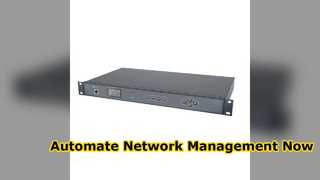
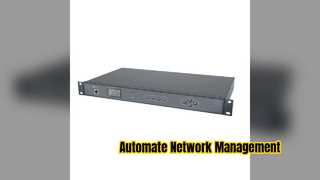
Brief: Want to know how to automate your network management? This video demonstrates the AIM Core Component Intelligent Patch Panel Scanner in action, showing how it automates patch cord management, detects connection anomalies in real-time, and provides smart cable hunting without unplugging cords. See how it integrates with 24 intelligent patch panels for seamless ICT infrastructure oversight.
Related Product Features:
  • Equipped with a Cortex M4 high-performance CPU for powerful edge data processing.
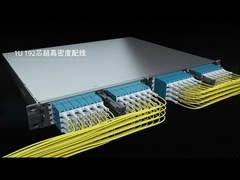
  • Supports connection to 24 intelligent patch panels for comprehensive network coverage.
  • Automatically detects and reports illegal invasions, abnormal disconnections, and connection anomalies in real-time.
  • Features a smart cable hunting function for querying link-type port information without unplugging patch cords.
  • Built-in firmware supports both Chinese and English display interfaces for international use.
  • Provides marginal computing capability to store port configuration and ensure smooth network communication.
  • Includes a unique smart diagnosis function for online connection diagnosis of single or dual patch panels.
  • High reliability design supports online/offline site display and real-time port monitoring during downtime.
FAQs:
  • How many intelligent patch panels can the scanner connect to?
    The scanner can be connected to up to 24 intelligent patch panels, providing extensive coverage for automated network management.
  • What types of anomalies does the scanner detect?
    It automatically detects illegal invasions, abnormal disconnections, and connection anomalies such as unauthorized plugging/unplugging and shearing of cords, reporting them in real-time.
  • Does the scanner require unplugging patch cords for cable hunting?
    No, the smart cable hunting function allows for querying link-type port information on both sides without the need to plug or unplug patch cords.
  • What languages are supported by the display interface?
    The built-in firmware supports both Chinese and English display interfaces, catering to a wide range of users.